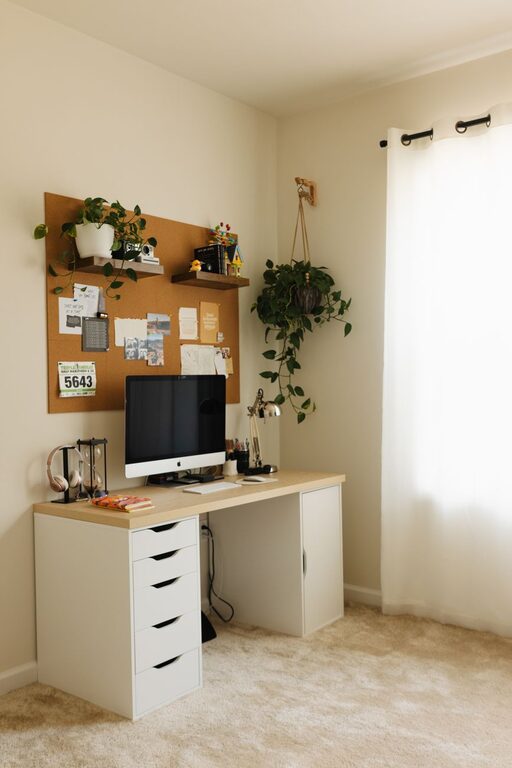
Creating a productive home office space is essential for anyone working remotely or managing tasks from home. A well-organised, comfortable environment can improve your focus, reduce stress, and enhance your overall work performance. Whether you have a dedicated room or a small corner, these tips will help you set up an ideal workspace.
Choose the Right Location
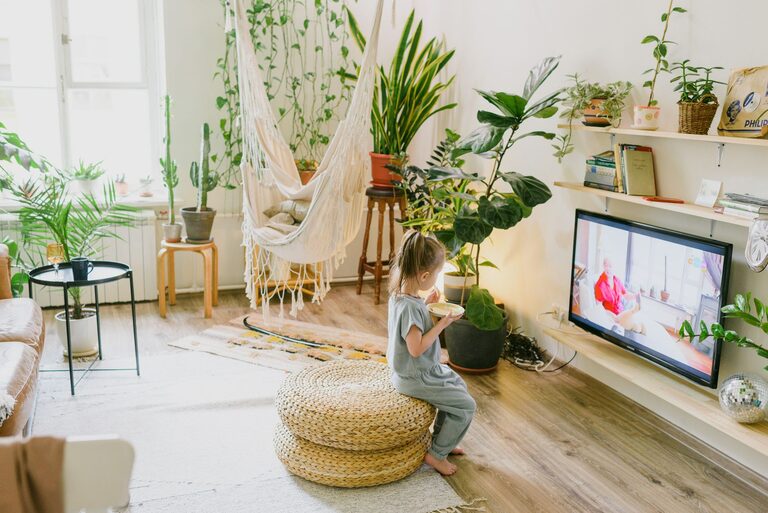
Selecting the best spot for your home office is a critical first step. Ideally, pick a quiet area with minimal distractions and enough space for your desk and equipment. If possible, avoid high-traffic zones like the kitchen or living room. A room with natural light and good ventilation can positively impact your mood and energy levels.
Consider These Factors:
– Away from noise sources such as television or loud conversations.
– Near a window for natural light but not facing direct glare on your screen.
– Close to power outlets for your devices.
Invest in Comfortable and Functional Furniture
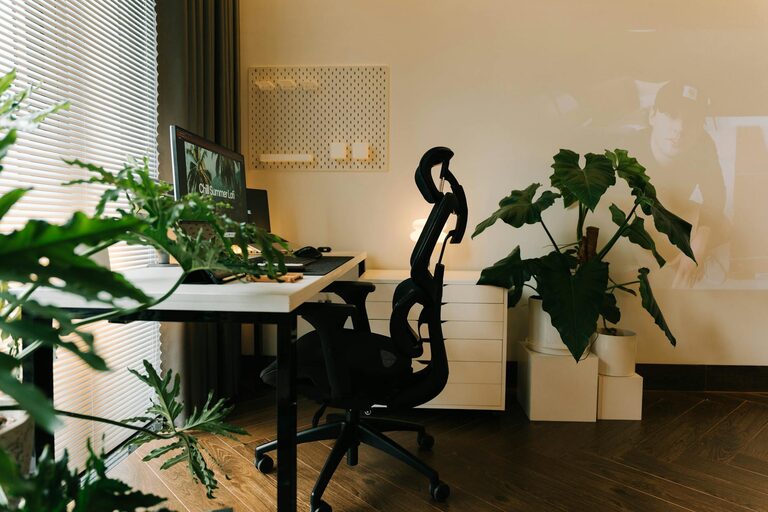
Your furniture choice will greatly influence how long and comfortably you can work. An ergonomic chair and a desk at the right height prevent back pain and fatigue. Consider adjustable chairs with good lumbar support. If you prefer standing or variable posture, explore sit-stand desks.
Furniture essentials:
– Desk large enough for your computer, notebooks, and office supplies.
– Chair with adjustable height and back support.
– Footrest for better posture if your feet don’t reach the floor comfortably.
Optimise Lighting
Good lighting is vital for reducing eye strain and maintaining alertness. Use a combination of natural daylight and artificial light sources. Avoid harsh overhead lights or overly dim environments.
Lighting tips:
– Position your desk near a window for soft natural light.
– Use an adjustable desk lamp for focused illumination.
– Ensure lights don’t create screen glare.
Declutter and Organise Your Space
A tidy workspace helps keep your mind clear and focused. Set up storage solutions to store documents, stationery, and tech accessories neatly.
Organisational ideas:
– Use shelves, filing cabinets, or desk organisers.
– Keep only daily essentials on your desk.
– Implement cable management to avoid tangled cords.
Personalise Your Work Area
Adding subtle personal touches can make your home office inviting and motivating without being distracting.
Simple touches:
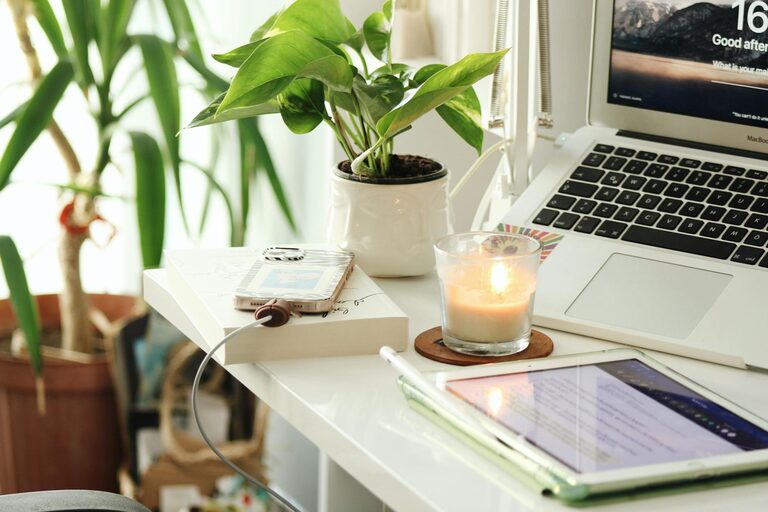
– Plants to bring a bit of nature inside.
– Artwork or photos that inspire you.
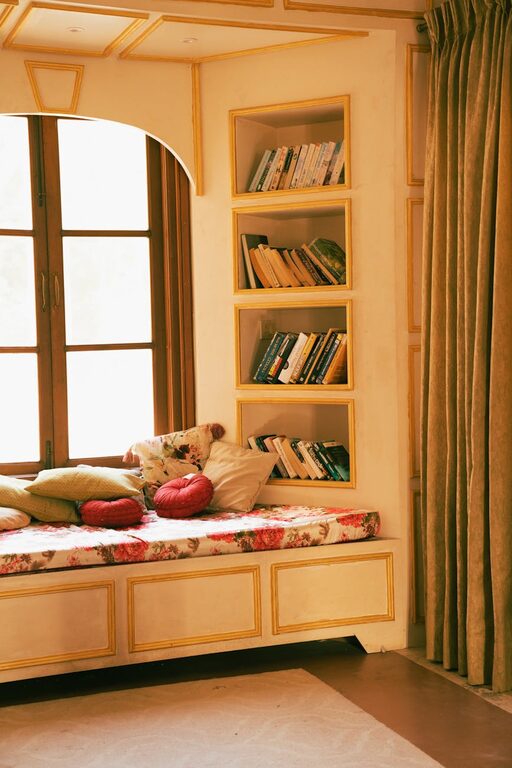
– A comfy cushion or throw for your chair.
Manage Noise Effectively
Minimising background noise helps maintain concentration, especially during calls or virtual meetings. Consider noise-cancelling headphones if you cannot control external sounds.
Additional noise control tips:
– Use rugs or curtains to absorb sound.
– Place your workspace away from noisy appliances.
– Use white noise machines or apps to mask distractions.
Establish a Routine and Breaks
Your environment supports productivity best when paired with effective habits. Set clear working hours and stick to them to maintain work-life balance.
Routine tips:
– Start your day with a short planning session.
– Take short breaks every hour to stretch and refresh.
– Keep snacks and water nearby.
Utilise Technology Wisely
Choose technology and tools tailored to your work needs. Reliable internet and functional hardware are must-haves.
Technology pointers:
– Use dual monitors if your work requires multitasking.
– Invest in a good quality webcam and microphone for video calls.
– Keep software and drivers up to date to avoid interruptions.
Maintain Good Posture and Movement
Your body benefits from conscious seating and regular movement. Set reminders to adjust your posture and take standing breaks.
Simple posture checks:
– Keep feet flat on the floor or use a footrest.
– Align your screen at eye level.
– Avoid slouching by sitting back in your chair.
Keep Refreshments Accessible
Staying hydrated and nourished supports your energy levels. Have a water bottle at your desk and prepare healthy snacks.
—
By planning your home office carefully, you can create a space that not only looks good but also supports your productivity and well-being. Experiment with these tips to find a setup that works best for you and enjoy the benefits of a comfortable, efficient workspace.
About the Author