Creating a home office that balances comfort and productivity is essential for anyone working remotely or managing tasks from home. A well-designed workspace can improve focus, reduce stress, and help maintain a healthy work-life balance. This guide offers practical tips on how to create a home office environment that supports your professional needs while keeping you comfortable.
Choose the Right Location
Find a Quiet Space
Selecting a quiet, low-traffic area of your home is key. This helps minimise distractions and allows you to concentrate better. If possible, choose a room with a door to separate work from home life.
Consider Natural Light
Natural light can boost mood and energy levels. Position your desk near a window to take advantage of daylight. Be mindful of screen glare—adjust blinds or curtains as needed to maintain comfort.
Invest in Ergonomic Furniture
Comfortable Chair
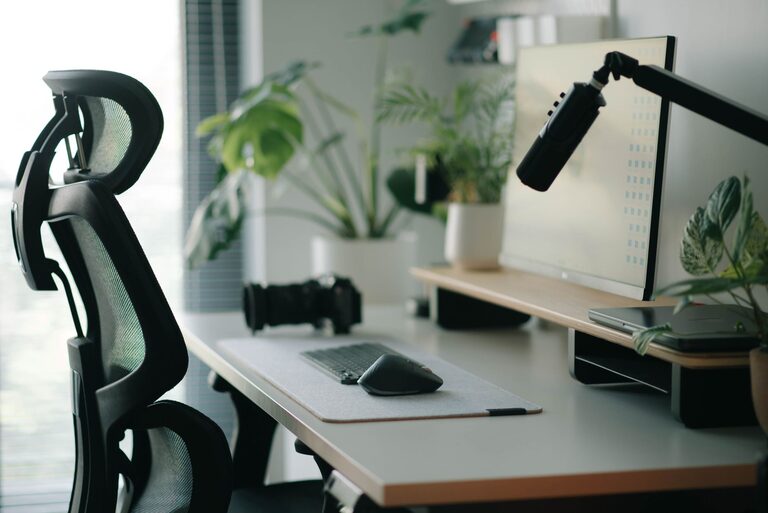
A good office chair that provides proper lumbar support is crucial. Sitting for extended periods requires a chair that supports your back and encourages good posture to avoid discomfort or injury.
Suitable Desk Height
Your desk should allow your arms to rest comfortably with elbows at around a 90-degree angle. Adjustable desks or sit-stand options can offer flexibility, promoting movement throughout the day.
Optimise Your Desk Setup
Declutter Regularly
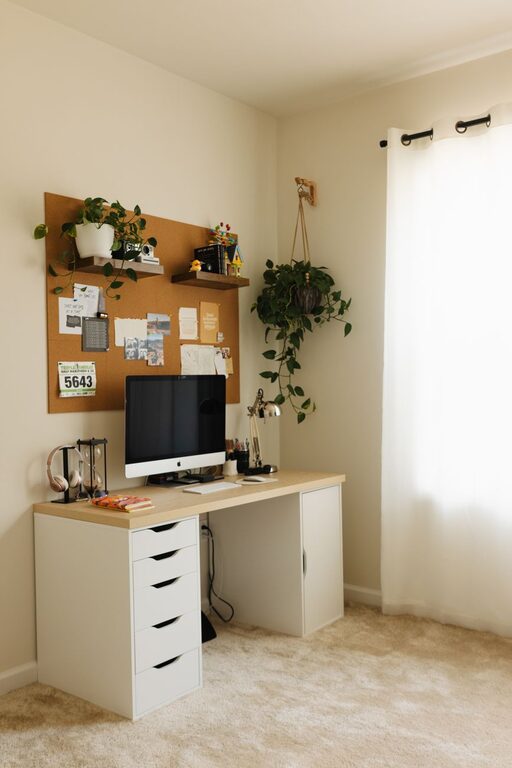
Keep your desk tidy by organising essentials within reach and storing unnecessary items away. This creates a pleasant, distraction-free work surface.
Use Monitor Stands or Adjustable Arms
Position your computer screen at eye level to reduce neck strain. Adjustable stands or arms can help you find the perfect height and distance.
Explore Keyboard and Mouse Options
Choose ergonomic keyboards and mice that reduce wrist strain. Consider wearing wrist rests if you use these devices for long hours.
Manage Lighting Effectively
Combine Ambient, Task, and Natural Lighting
Balanced lighting reduces eye strain and fatigue. Use ambient light to illuminate the room, task lighting (like desk lamps) for focused work, and natural light to enhance overall atmosphere.
Avoid Harsh Fluorescent Lighting
Soft, warm light sources are often more comfortable for long working hours. LED bulbs with adjustable brightness and temperature are a flexible option.
Minimise Noise and Distractions
Use Noise-Cancelling Headphones
If background noise is unavoidable, headphones can help you concentrate better on work.
Implement Soundproofing Measures
Rugs, curtains, and soft furnishings absorb sound, reducing echoes. For a more permanent solution, soundproof panels or seals can further lessen noise interference.
Incorporate Personal Comfort Elements
Maintain Good Air Quality
Good ventilation supports concentration and well-being. Open windows if possible or use an air purifier to reduce dust and allergens.
Control Temperature
Keep your workspace at a comfortable temperature to stay focused. Use fans, heaters, or air conditioning as needed.
Add Plants
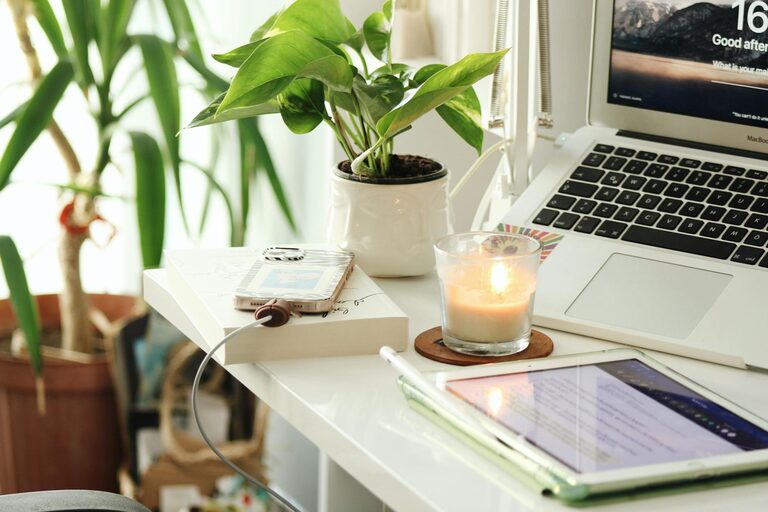
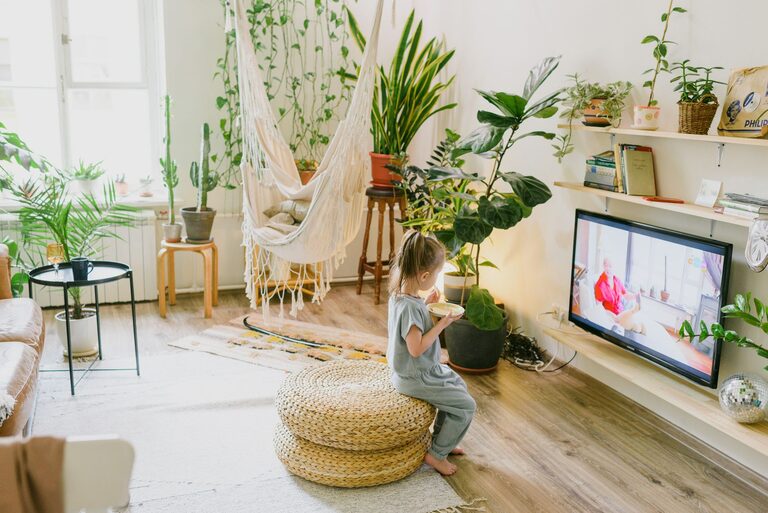
Indoor plants can improve air quality and add a calming element to your office. Choose low-maintenance options like succulents or spider plants.
Stay Organised and Manage Time
Use Storage Solutions
Shelving units, filing cabinets, and organisers help keep work materials sorted. Label containers to easily find what you need.
Plan Your Day
Use digital calendars or planners to schedule tasks and breaks. Structuring your time prevents burnout and promotes steady productivity.
Take Regular Breaks
Short breaks every hour refresh your mind and reduce physical strain. Techniques like the Pomodoro method can help maintain focus.
Personalise Your Workspace
Add Inspiring Decor
Include artwork, photos, or motivational quotes that uplift your mood. Personal touches make your office inviting.
Choose a Colour Scheme That Suits You
Colours affect mood and productivity. Blues and greens are calming, while yellows and oranges can energise. Pick what works best for you.
Maintain Technology Efficiency
Keep Devices Updated
Ensure your computer and software run smoothly with regular updates to prevent downtime.
Manage Cables Neatly
Use cable organisers or clips to avoid messy, tangled wires that can distract or cause accidents.
Secure a Reliable Internet Connection
A stable, fast internet connection is critical for virtual meetings, uploads, and downloads.
—
By thoughtfully planning your home office environment with these tips, you can create a space that enhances your comfort and productivity. Remember, small adjustments tailored to your personal needs can make a significant difference in your work-from-home experience.
About the Author